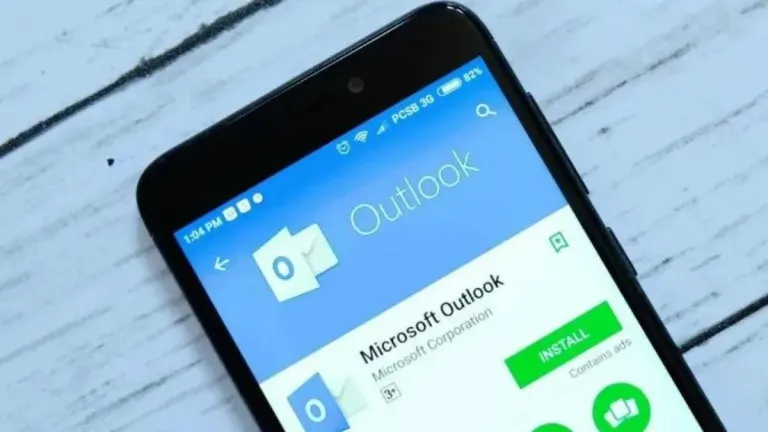
Lighter version of mobile client for Outlook
Microsoft Outlook Lite is a free productivity application for mobile that was developed by Microsoft Corporation. It is the official client for the Outlook e-mail service. In addition, it has seamless integration with the company's other products and services, such as MSN, Microsoft 365, and many others.
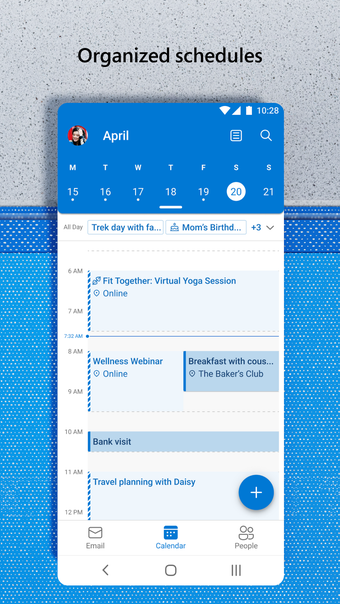
Similar to Gmail or Yahoo Mail, Microsoft Outlook Lite makes it easy for users of Microsoft's e-mail service to access and manage their accounts easily and conveniently, as well as being able to sync their contacts and calendar information. It offers much of the same experience in addition to being light on resources.
Similar experience, lighter footprint
Taking a similar approach to how Google does it, Microsoft has developed the robust Microsoft Outlook e-mail client app that lets users access and manage their accounts with ease. With it, you can pretty much do everything as you would with its desktop and online counterparts. If you own a low-powered device or you want a simpler, lighter user experience, the Microsoft Outlook Lite will fit the bill.
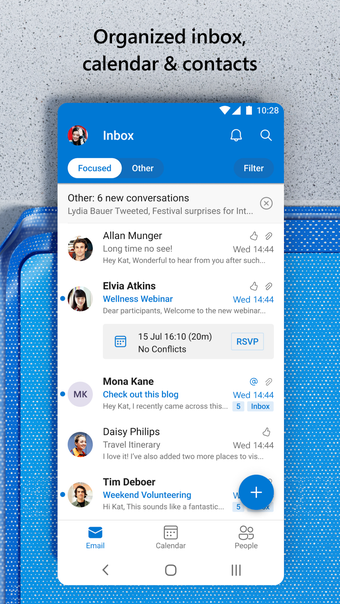
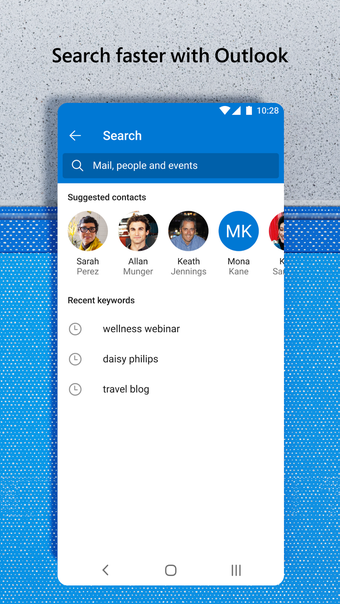
Compared to the standard app, Microsoft Outlook Lite offers much of the same functionality. You can still manage your e-mail account easily, with options to sync your contact information and calendar entries. You still get features like smart organization options through tags, folders, and filters. There's also the automatic inbox management that displays messages based on priorities so you never miss out on any important e-mails.
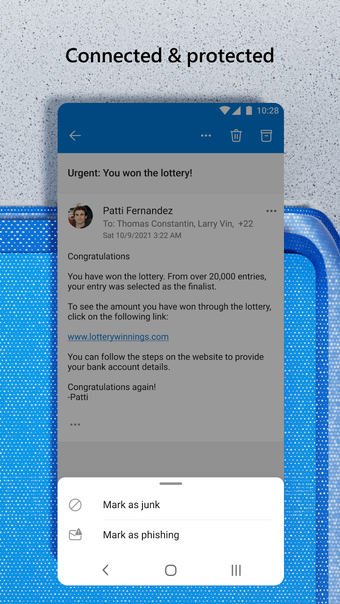
Then, there are the various privacy and security features that help protect your data, including two-step authentication protocols, a built-in virus scanner, and a spam detector that filters out messages that contain potential threats or phishing attacks. Really, with everything on offer here, it somewhat makes the standard version of the app a little irrelevant. It's essentially the same experience without the performance hit or high network data usage.
Simply better
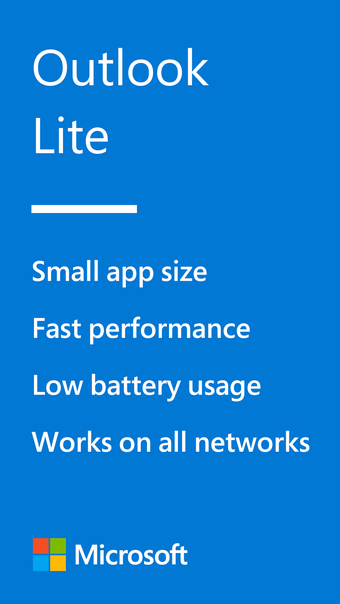
If you use Outlook for most of your daily productivity, the official Microsoft Outlook Lite client is pretty much a must-have. It offers the same features and options as the regular version with lower system resources and consumes less data to boot. At this point, you should just consider this as the de facto app to access and manage your account.
















.webp)